
Getting Started
Prerequisites
To use 4Spec you need:
- Jira Cloud — 4Spec runs on Atlassian Forge and requires a Jira Cloud instance.
- Project admin access — the user who installs and provisions 4Spec must be a project administrator for the target project.
Installation
- Open the Atlassian Marketplace and search for 4Spec.
- Click Install and authorize the app for your Jira site.
- Navigate to any Jira project, open the project sidebar, and select 4Spec to launch the app.
4Spec appears as a project page in every project where it is enabled. No additional configuration is required to get started.
First-Use Provisioning
The first time you open 4Spec in a project, the app automatically provisions everything it needs. This is a one-time setup that takes a few seconds.
4Spec creates the following resources in your Jira project:
Issue Types
- Requirement — a dedicated issue type for requirements. Each requirement is a Jira issue with additional metadata managed by 4Spec.
- Test Case — a dedicated issue type for test cases, linked to requirements for traceability.
Custom Fields
- Requirement ID — auto-generated identifier (e.g., REQ-001). The prefix is configurable in project settings.
- Test Case ID — auto-generated identifier (e.g., TC-001).
- Type — requirement classification: Business, System, Functional, or Non-Functional.
- Safety Class — optional safety classification for regulated projects (ASIL, DAL, Risk Class, or custom schemes).
Link Types
- "requires" — links requirements to implementation issues (stories, tasks, bugs).
- "tests" — links test cases to the requirements they verify.
All provisioned resources use standard Jira mechanisms — nothing is hidden or proprietary.
Quick Tour
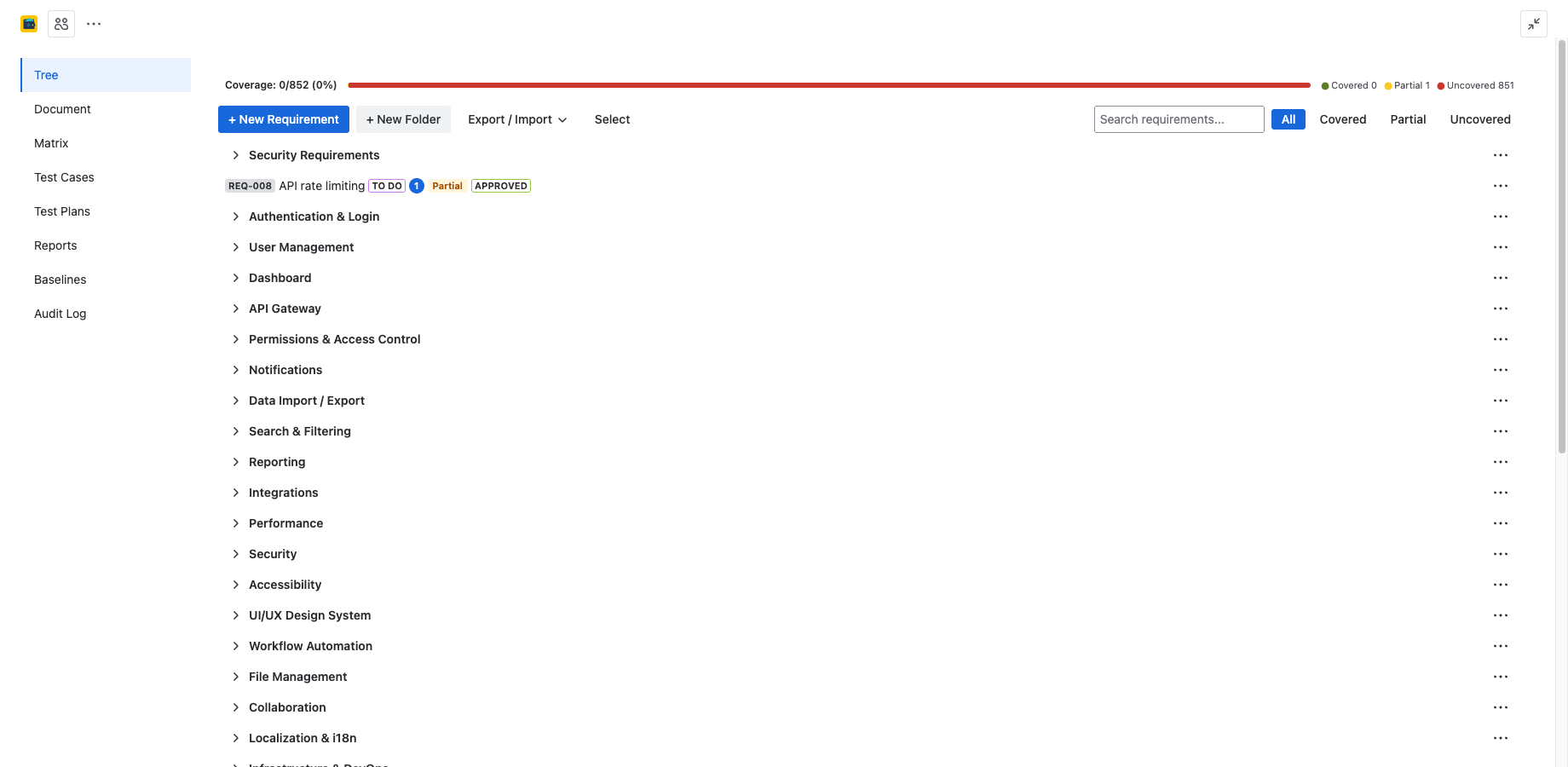
4Spec organizes its functionality across eight tabs, accessible from the project page:
| Tab | Purpose |
|---|---|
| Requirements Tree | Create, organize, and manage requirements in a hierarchical folder structure with drag-and-drop. |
| Traceability Matrix | Visualize requirement-to-issue links and coverage status at a glance. |
| Document View | Render the requirements tree as a structured, numbered specification document. |
| Test Cases | Create and manage test cases with step-by-step instructions, linked to requirements. |
| Test Plans | Group test cases into plans for organized test execution campaigns. |
| Test Execution | Run test cases, record pass/fail/blocked results, and track defects. |
| Reports | Coverage reports, cycle comparisons, trends, and audit-ready compliance reports. |
| Audit Log | Immutable record of every create, update, delete, approve, and sign action. |
Next Steps
- Requirements — learn how to create and manage requirements.
- Test Cases — learn how to create test cases and link them to requirements.
- Admin & Settings — configure ID prefixes, safety classification schemes, and approval rules.
Need Help?
For questions or feedback, contact contact@be4.software.