

Visual story mapping
inside Jira
Map user journeys, slice releases, and prioritize your backlog — with a 2D story map that syncs bidirectionally with Jira.
See it in action
Everything you need for story mapping
Six core capabilities, fully integrated with your Jira project
Visual Story Map
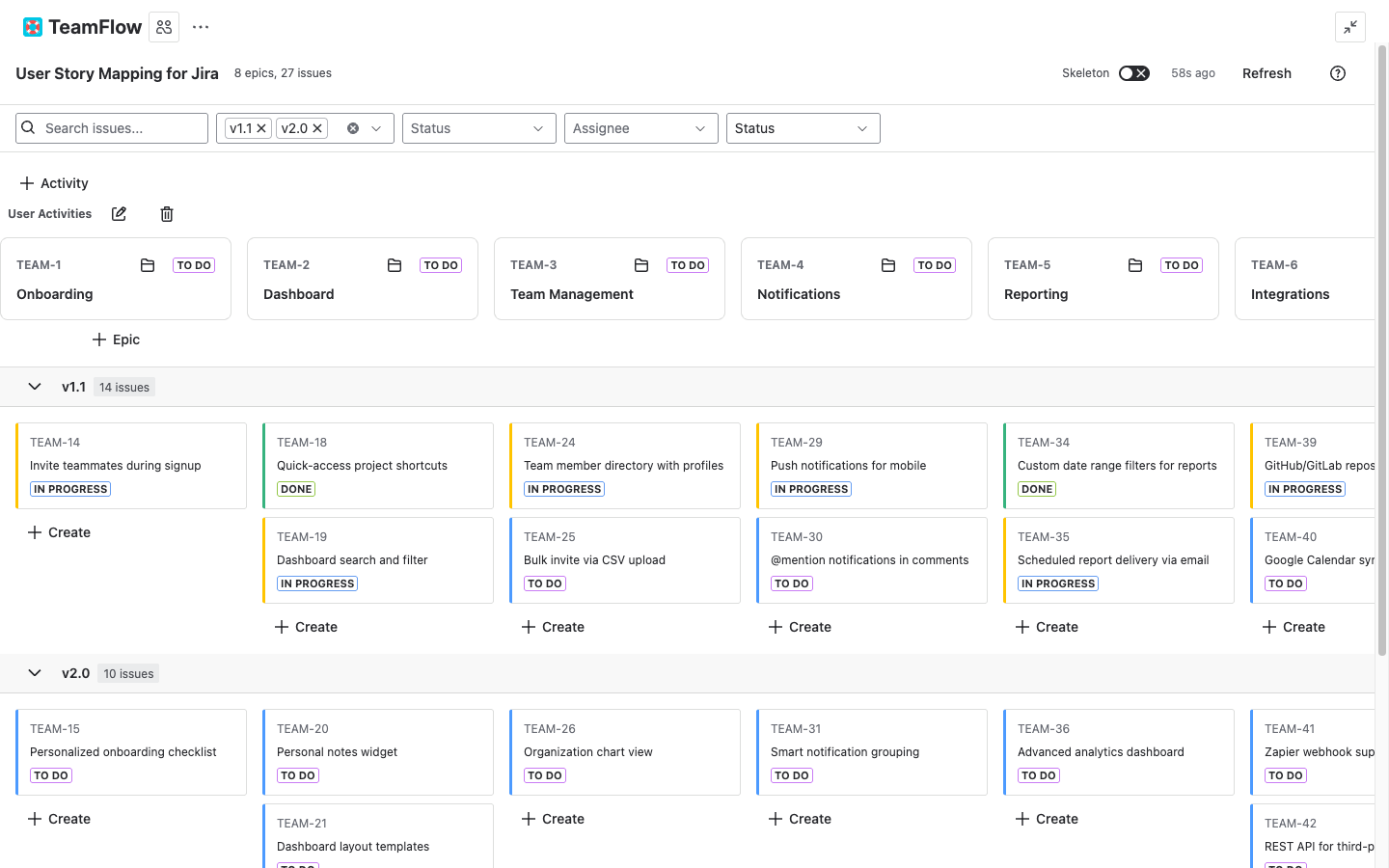
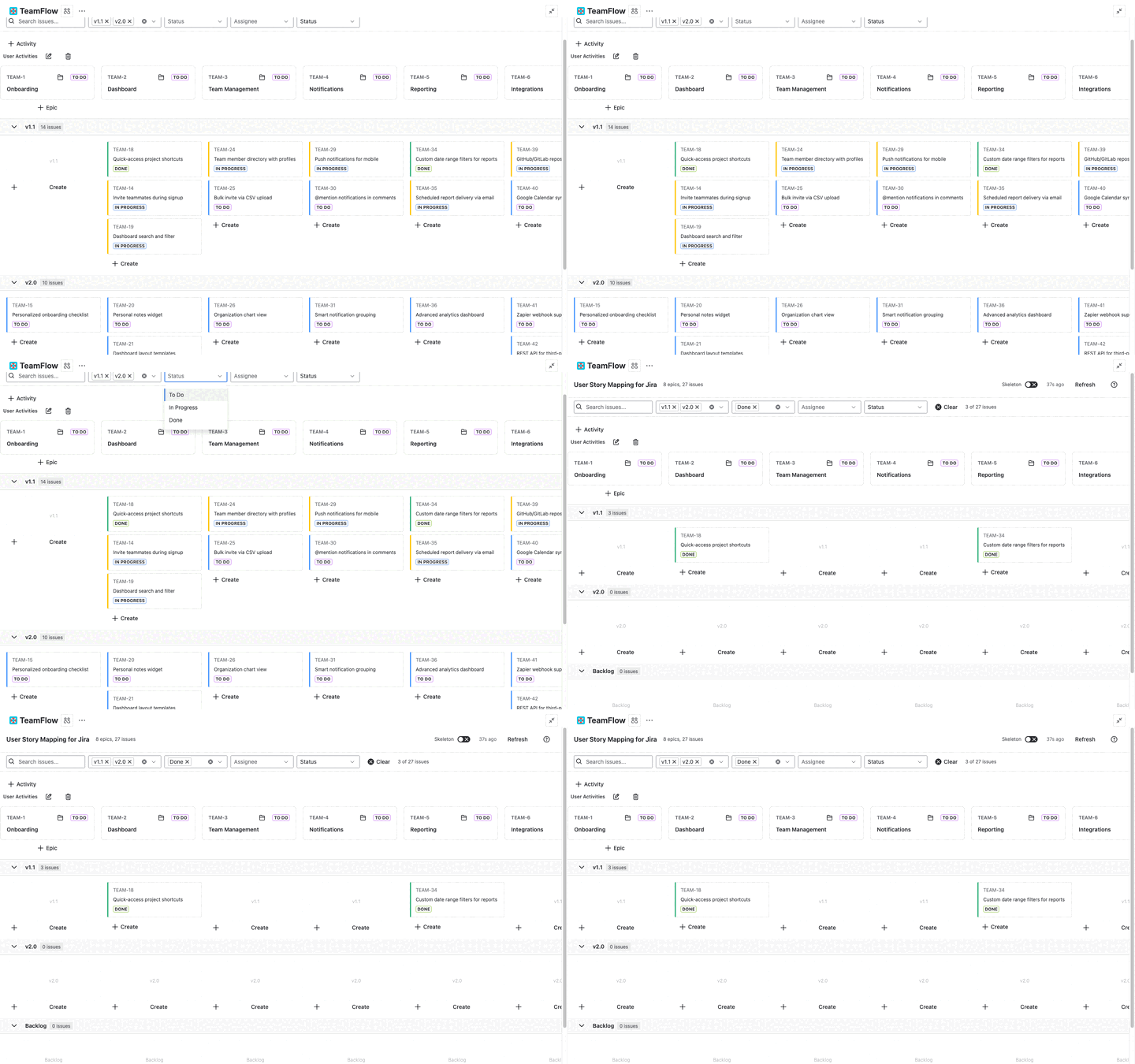
See your epics as columns and stories as cards in a 2D grid. Group epics into user activities for Jeff Patton's walking skeleton view.
Drag & Drop Sync
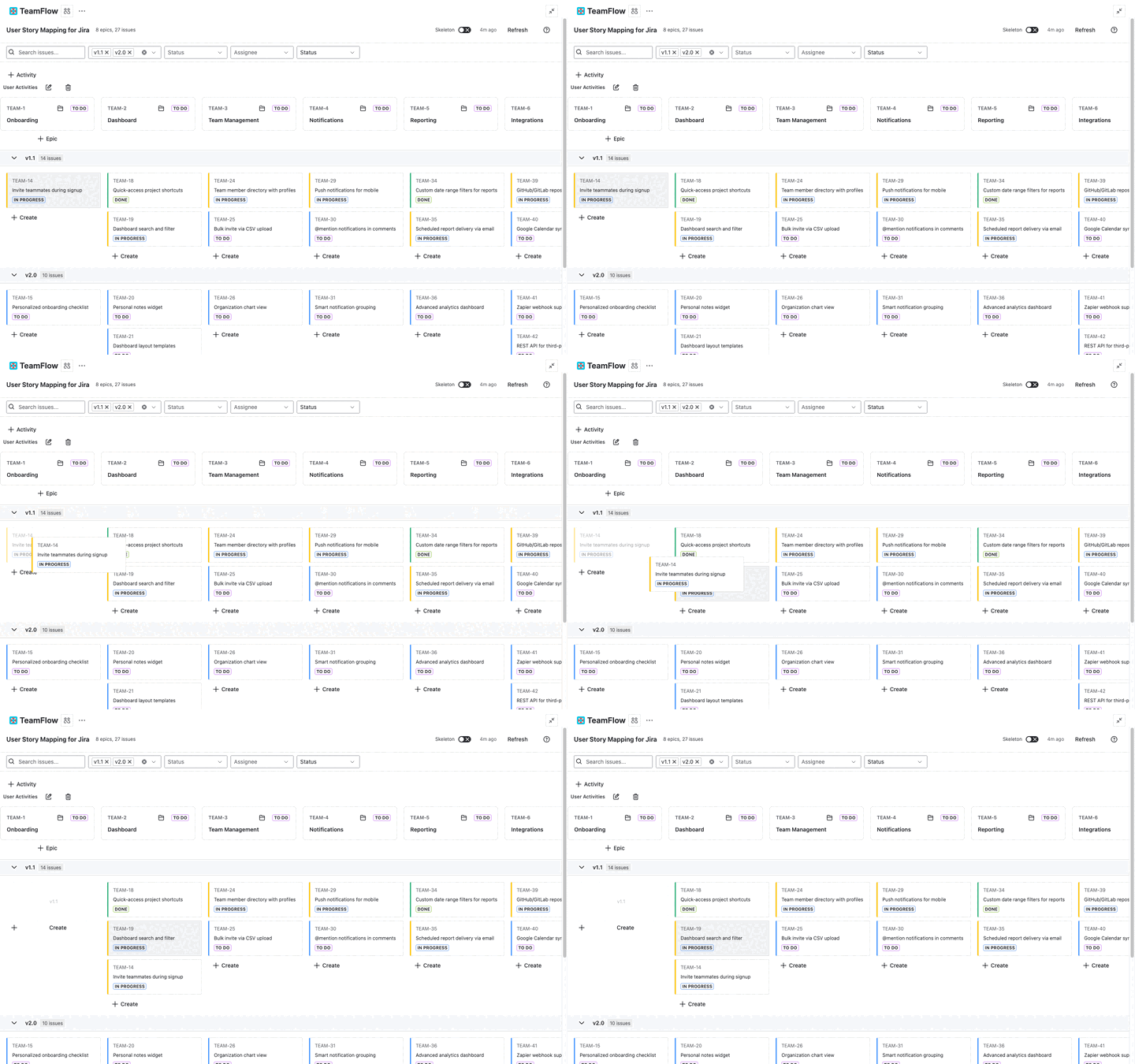
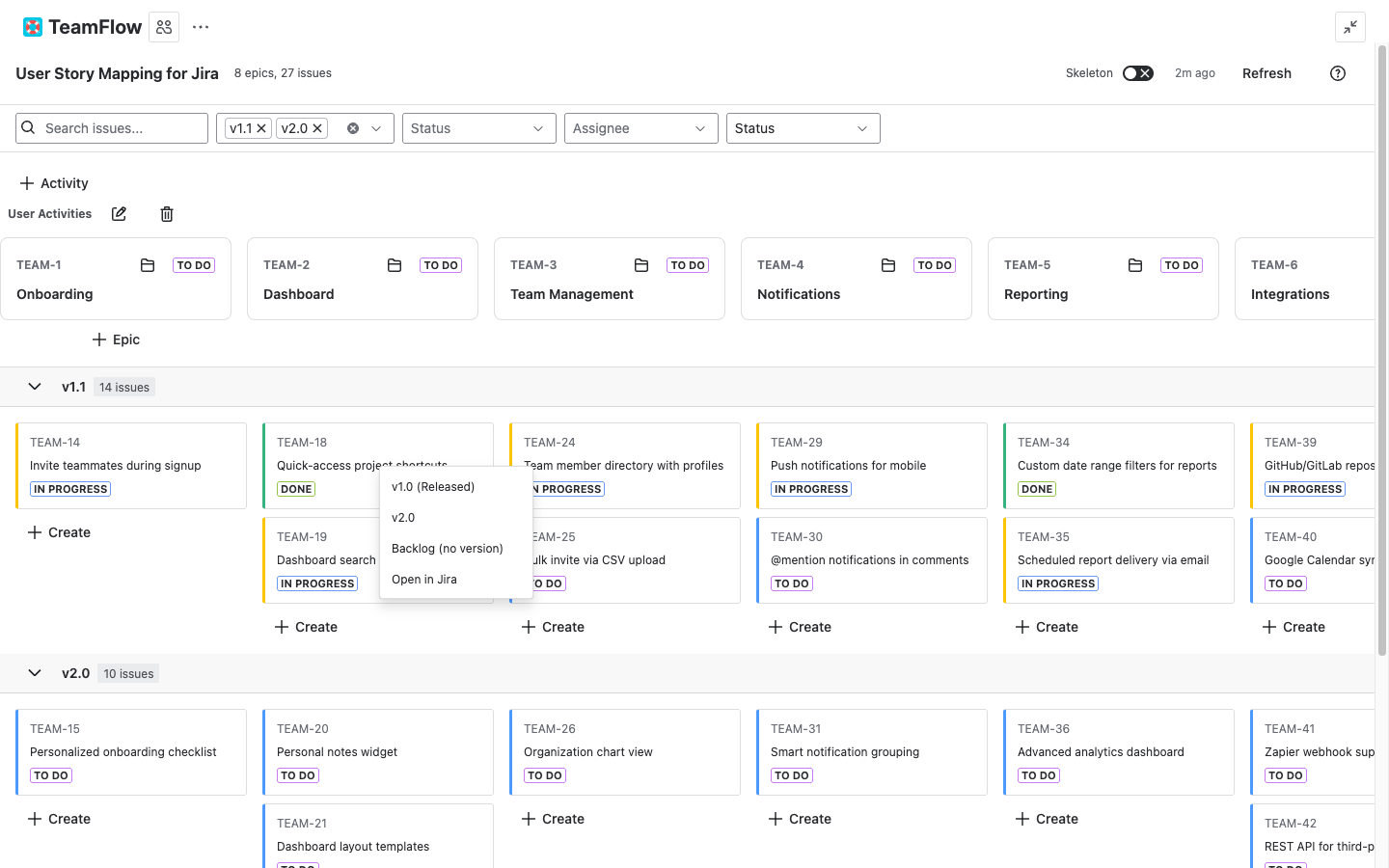
Move stories between epics, versions, and positions. Every drag updates rank, parent, and version in Jira instantly.
Release Slicing
Horizontal swimlanes based on Jira Fix Versions. See what ships in each release at a glance and drag stories to reprioritize.
Sprint Swimlanes
Toggle between version and sprint swimlanes. See what's in each sprint and drag stories between sprints to replan.
Keyboard Navigation
Navigate the map with arrow keys, create issues with N, open cards with E. Press ? for the full shortcut legend.
Dark Mode
Full dark theme support via Jira's theme system. Every element adapts automatically — no manual toggle needed.
What syncs with Jira
Every action on the map updates your Jira project in real time
Get started in 3 steps
From install to your first story map in under 5 minutes
Install from Marketplace
Add User Story Mapping from the Atlassian Marketplace. It runs on Forge — no external servers or configuration needed.
Open from project sidebar
Navigate to your Jira project and open User Story Mapping from the sidebar. Your epics and stories load automatically.
Drag and drop to organize
Move stories between epics and versions. Reorder your backbone. Every change syncs back to Jira in real time.